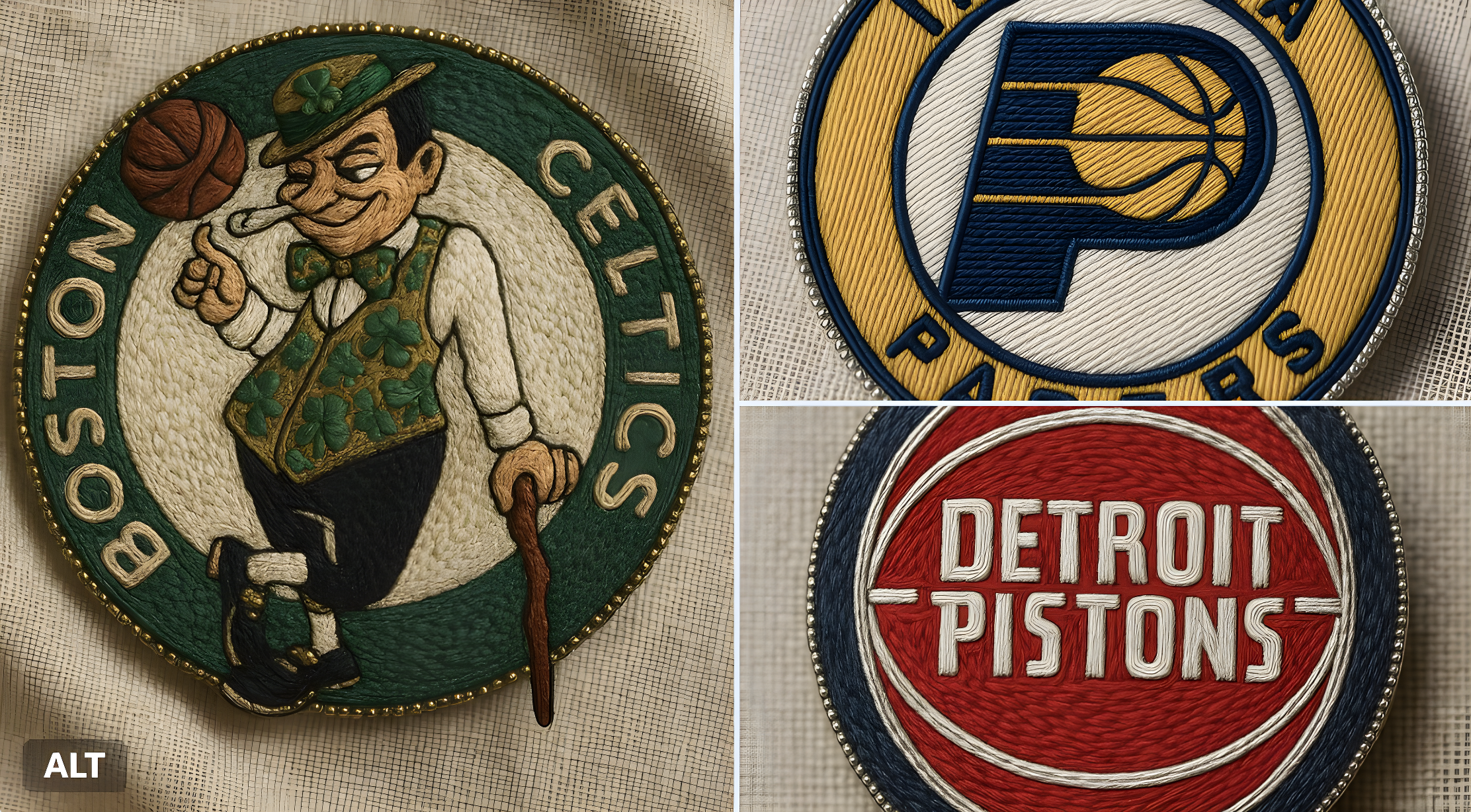
Embroidery Style
Prompt
Copy[Title] Adaptive Embroidered Brooch Prompt Generator. [Version] 2.0. [Description] Generate a prompt for an embroidered brooch based on text description or uploaded image.. [Inputs] Reference Mode: [Type] select. [Label] Reference Source. [Options] describe manually, use uploaded image, combine both. [Default] describe manually.. Theme Text: [Type] text. [Label] Describe the Theme or Motif. [Placeholder] e.g. an owl in a forest, biomechanical skull, dancing figures.. Image Reference Description: [Type] text. [Label] Describe what's in the uploaded image (if using image mode). [Placeholder] e.g. a mechanical skull with succulents growing from it.. Shape: [Type] select. [Label] Brooch Shape. [Options] circular, oval, square, irregular. [Default] oval.. Style: [Type] select. [Label] Embroidery Style. [Options] traditional, folkloric, surreal, biomech-organic fusion, modern minimal. [Default] traditional.. Color Palette: [Type] select. [Label] Color Palette. [Options] earth tones and muted greens, pastel shades, neon surreal, rusted metal and white florals, monochrome with silver threads. [Default] earth tones and muted greens.. [Prompt Template] {final_theme} hand-embroidered brooch, {style} style, crafted with intricate threadwork and metallic accents, soft wool and silk embroidery, fine beadwork outlining the {shape} shape, natural color palette ({color_palette}), macro shot on neutral linen or stone background, ultra-detailed artisan aesthetic, realistic embroidery textures, soft atmospheric lighting --ar 1:1 --style raw --v 6 --q 2. [Logic] Final Theme: [If] reference_mode == 'describe manually'. [Value] {theme_text}.. Final Theme Alt: [If] reference_mode == 'use uploaded image'. [Value] {image_reference_description}.. Final Theme Combined: [If] reference_mode == 'combine both'. [Value] {theme_text} and elements from: {image_reference_description}..
Tags
firatbilal
@firatbilal